Best Free AI Tool for Social Media Videos (2026 Guide)
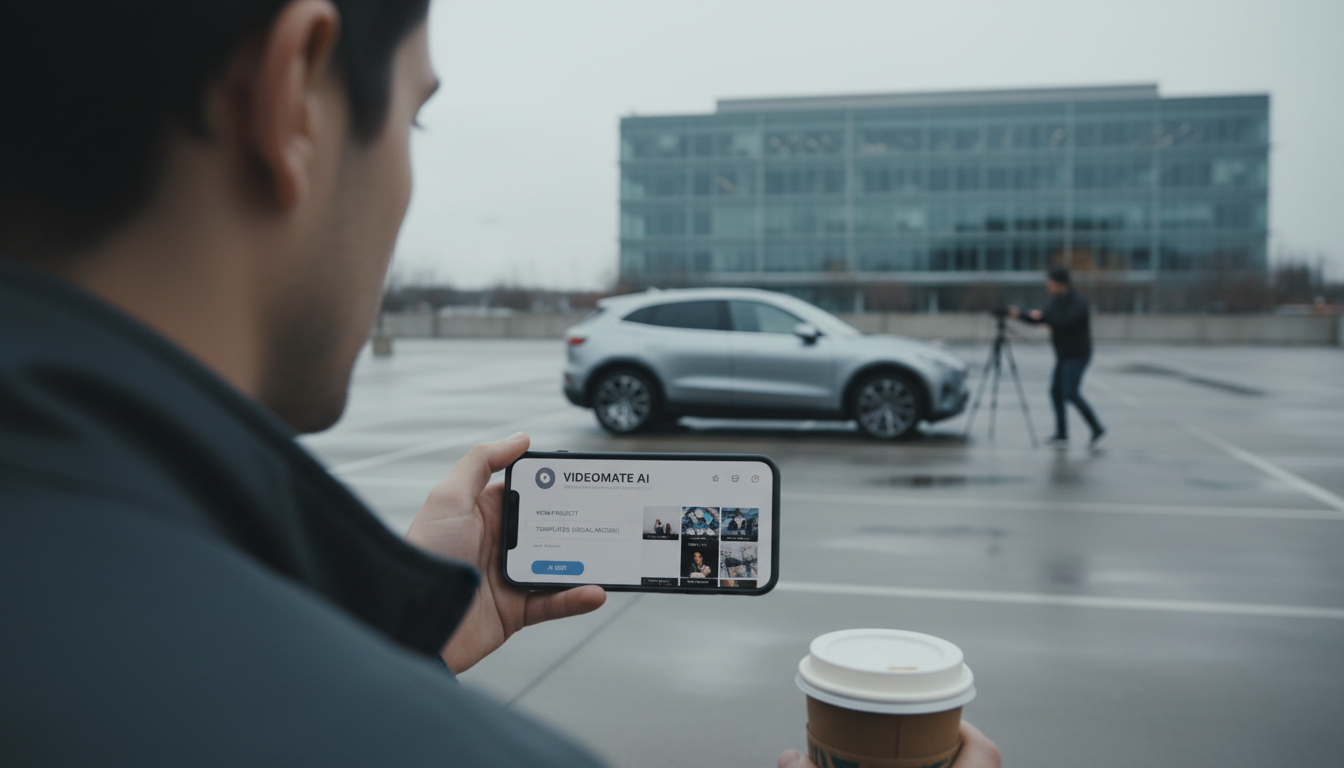
What is the free AI tool to create social media videos?
A widely used free AI tool for creating social media videos is Canva. Its free plan includes AI-assisted features (like Magic Design), ready-to-post templates for Reels, TikTok, and Shorts, stock elements, captions styling, and one-click resizing options (with some resizing features limited to paid plans). For many creators and small brands, Canva is the fastest way to turn a script, a few product photos, or a short clip into a polished vertical video without learning complex editing software.
How to use a free AI video tool for social posts
Start with the platform format you need (9:16 for TikTok/Reels/Shorts). Choose a template that matches your niche, then drop in your product shots or footage. Use AI tools to speed up the “finishing” work: generate a layout, clean up backgrounds, create simple animations, and apply brand colors and fonts. Keep the message tight—hook in the first second, show the product quickly, then end with a clear next step (shop, tap, learn more).
Other free options worth trying
If Canva doesn’t fit your workflow, CapCut is another popular free choice, especially for trending effects and quick mobile edits. Adobe Express also offers a free tier with templates and streamlined creation tools. Each option has tradeoffs—some are better for templates, others for effects or faster editing on a phone.
How to choose the best free AI tool
Pick based on what slows you down most: design (choose Canva), editing and effects (choose CapCut), or quick branded assets (try Adobe Express). Also check export limits, watermark rules, and whether the tool supports your typical process—batching content, team access, or keeping fonts and colors consistent.
For a practical, repeatable workflow that ties video, captions, visuals, and automation together, follow this guide: AI social media content system (captions, visuals, and automation).
FAQ
What’s the easiest way to batch-create a week of social videos?
Build 5–7 videos from one theme: reuse the same template, swap clips and headlines, and keep a consistent hook + product demo + call-to-action structure. Saving a few reusable layouts dramatically cuts production time.















Leave a comment