Prevent Excessive Phone Use: Simple Rules That Work
How to prevent excessive phone usage?
Excessive phone use usually isn’t a willpower problem—it’s a setup problem. Phones are designed to keep attention with alerts, infinite feeds, and easy “just one more minute” loops. The most reliable way to cut back is to change the environment and rules around your phone so mindless checks become slightly inconvenient and intentional use stays easy.
Set clear “phone windows” and a default off-hours rule
Choose a few times you’ll intentionally check messages and social apps (for example: mid-morning, lunch, late afternoon). Outside those windows, keep your phone on Do Not Disturb or Focus mode so notifications don’t constantly reset your attention.
Make distracting apps harder to access
Remove social apps from your home screen, log out, or delete them and use the browser instead. Add app limits (Screen Time on iPhone, Digital Wellbeing on Android) for the top time-sinks. Even a 30-second speed bump reduces automatic tapping.
Control notifications aggressively
Turn off non-essential notifications entirely—especially for social media, shopping, news, and games. Keep only what’s genuinely time-sensitive (calls from favorites, calendar alerts, critical work messages).
Create phone-free zones and substitutes
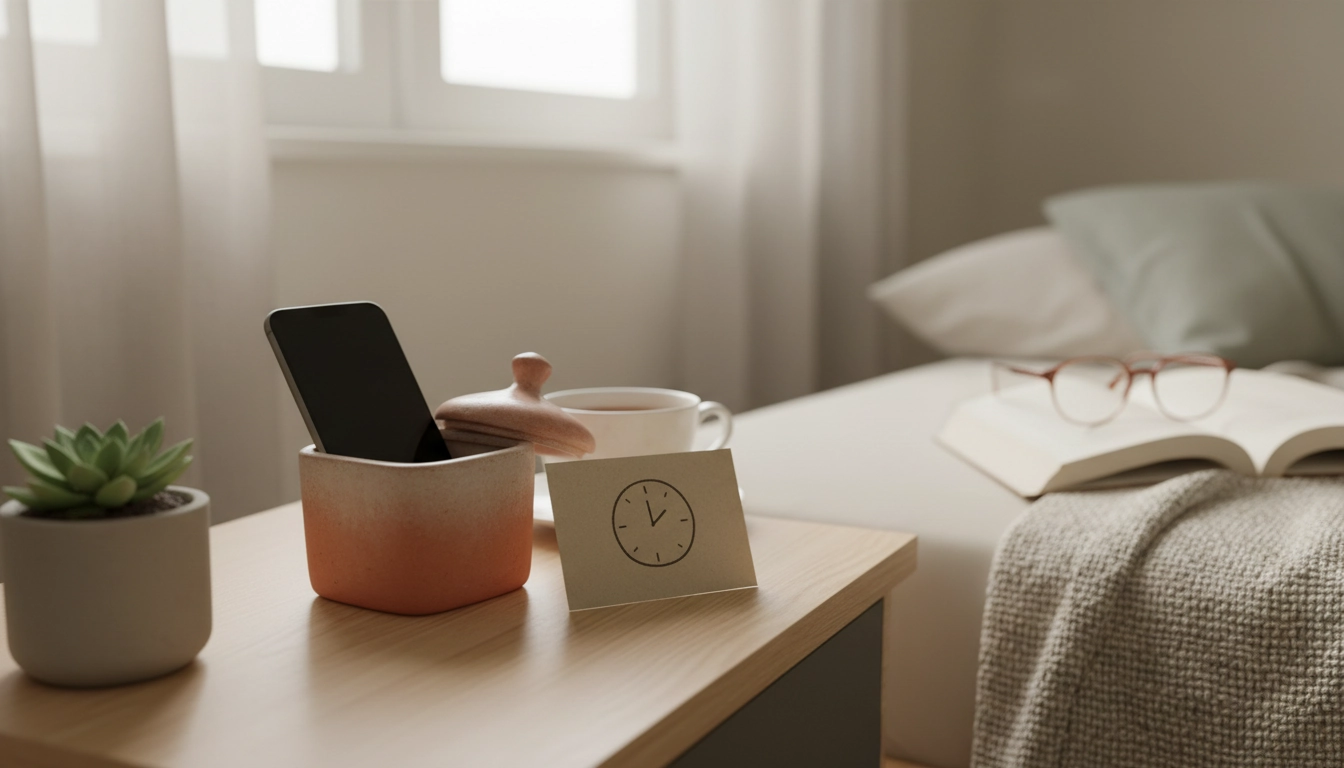
Pick two places where your phone doesn’t go: the bed and the table are strong starters. Replace the habit with something simple and reachable: a paperback, a crossword, a small notebook, or a real alarm clock so you don’t “need” the phone nearby.
Use a night plan to cut the biggest spike
For many people, late-night scrolling is the easiest place to win back time. A simple routine—charging your phone outside the bedroom, setting a shutdown time, and swapping in a calming alternative—can dramatically reduce total daily screen time. Follow a structured approach here: 7-night plan to stop using your phone at night.
FAQ
How can I stop doomscrolling before bed?
Set a hard “phone off” time, charge your phone outside the bedroom, and keep a replacement activity on your nightstand (book, journal, or stretching plan). Turning off social and news notifications prevents the late-night pull in the first place.














Leave a comment